 Worship Studio
Slides
Present decks and media.
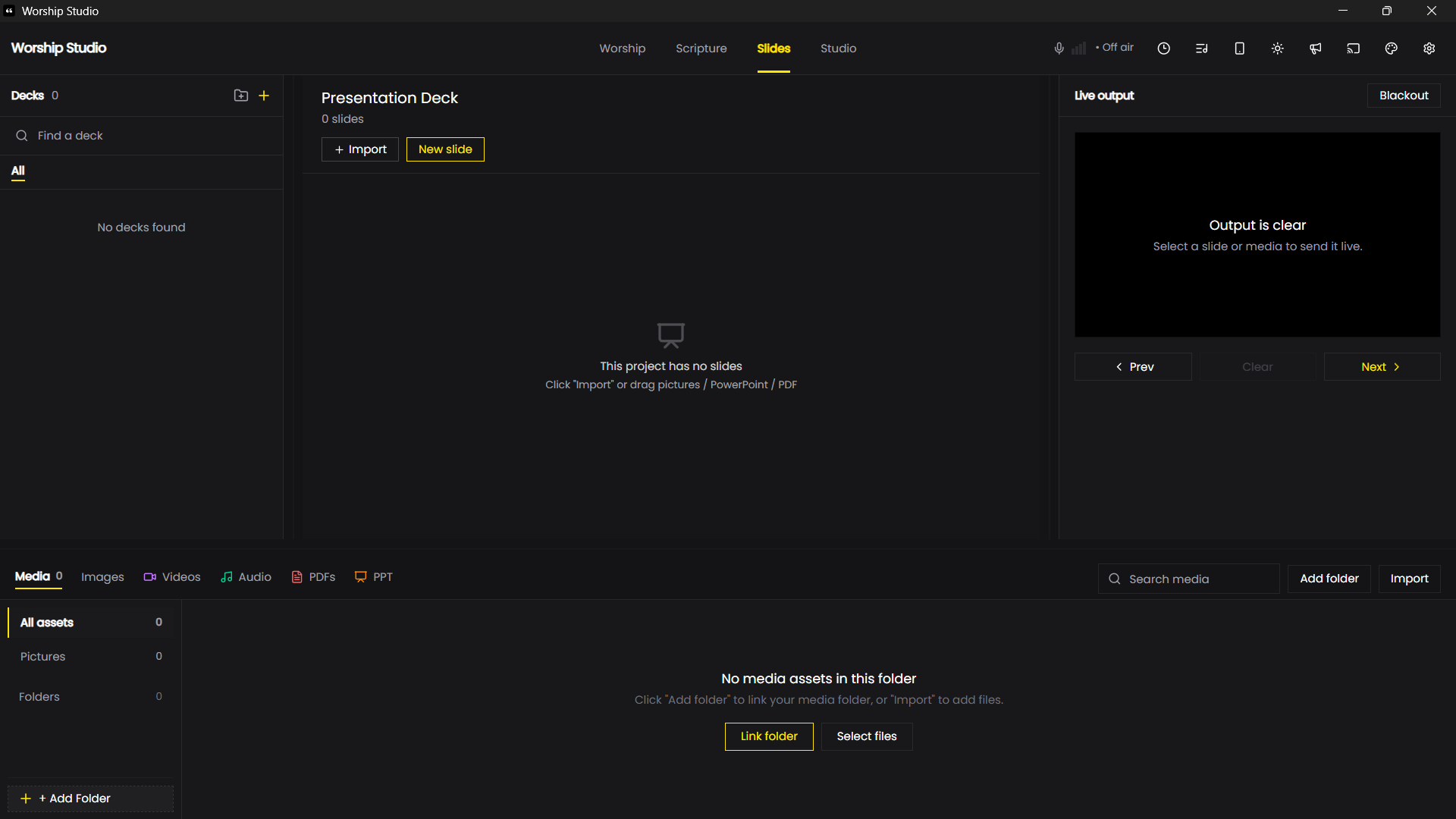
Create a deck with the plus control, then choose Import or New slide. Import pictures, PowerPoint presentations or PDFs.
The Media area organises images, videos, audio, PDFs and PowerPoint files. Choose Add folder to link a folder or Import to add files.
Select content to send it live. Check Live output, use Previous and Next to navigate, and Blackout to hide the output.